Five Things Worth Automating Before Your Third Drop
The busywork that quietly eats the time you meant to spend designing, and the five small systems that give it back.
In short: The simplest way to automate social media posts as an artist is to write a drop’s posts in one sitting and schedule them ahead, using a saved caption structure and a basic content calendar. Around that, three more small systems are worth setting up before your third drop: description templates, a file-naming system and a launch checklist. Keep replies, comments and messages human.
The first drop, everything gets done by hand, and that’s completely fine. You’re still learning what the process looks like end to end, and automating a process you don’t understand yet usually just locks in the wrong version of it. By the third or fourth drop, though, the manual version starts eating time that would otherwise go toward the next design, and a handful of small automations tend to pay for their setup time quickly.
“Automation” here mostly means deciding something once instead of every time. Some of it is software, like a post scheduler. Most of it is a template or a checklist that removes a decision you’d otherwise make under pressure.

What should artists automate before the third drop?
Five are worth setting up early, roughly in order of how quickly they pay off:
- A simple template for product descriptions, so you’re filling in blanks each time rather than writing from a blank page for every piece.
- A saved caption structure for launch posts, so announcing a drop doesn’t require starting from nothing under time pressure on the day it matters most.
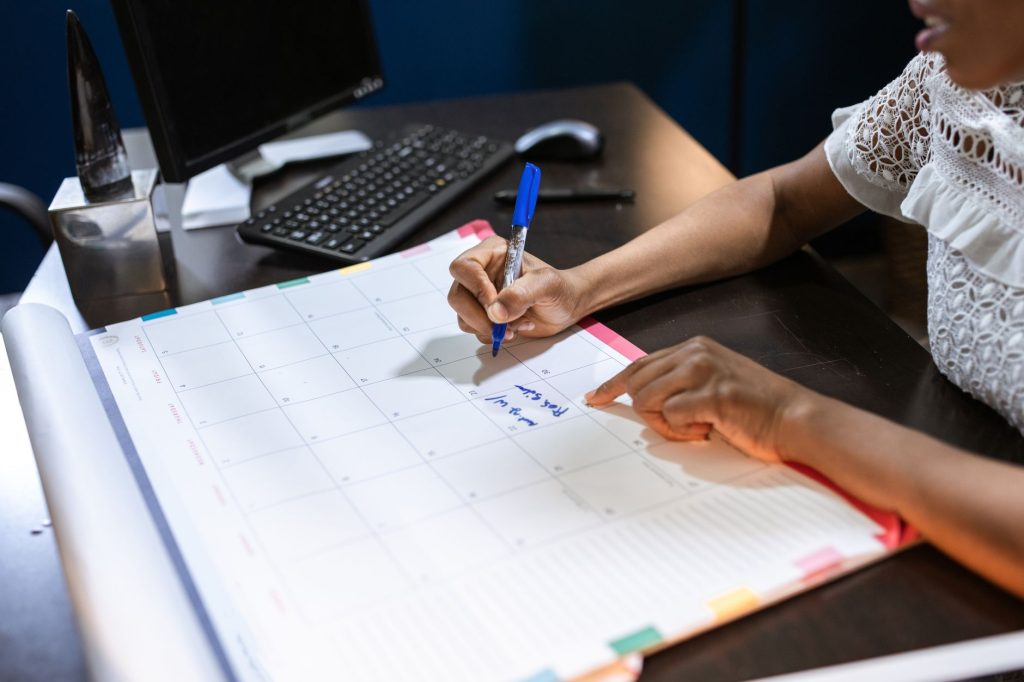
- A basic content calendar, even a single shared document, so posting doesn’t depend on remembering to do it in the moment.
- A standard file-naming and folder system for design files, so a piece from three months ago is still findable when you need it again.
- A short, reusable checklist for launch day, so nothing gets forgotten when there’s the most going on at once.
The table shows what each one replaces and when to look at it again.
| Automation | What it replaces | What you set up once | Revisit it when |
|---|---|---|---|
| Description template | Writing every product page from scratch | Fixed sections: what it is, the story, size and care notes | Buyers keep asking a question the template doesn’t answer |
| Caption structure | Staring at an empty caption on launch day | A hook line, one sentence about the piece, one clear next step | Posts in that format stop getting replies or clicks |
| Content calendar | Remembering to post | A simple grid of dates, platforms and post types | You add a platform or change how often you drop |
| File naming | Searching folders for old artwork | One naming pattern, such as date, design name and version | You can’t find a file in under a minute |
| Launch checklist | Remembering every step under pressure | The steps from your last drop, in order | After every drop, while the misses are fresh |
None of this makes a single design better. It protects the time and attention that goes toward the work that does.
How do you automate social media posts without sounding like a bot?
The trick is to automate the timing, not the writing. Write the posts yourself, in your own voice, in one batch, then let a scheduler publish them at the times you choose. Batching also helps the posts sound consistent, because they come from the same sitting and the same idea of the drop.
Most platforms and many third-party tools can schedule posts. For Facebook and Instagram, Meta’s own Meta Business Suite describes itself as a place to create or schedule posts, stories and ads for your business. Check what each platform you use supports today, since scheduling features change.
A workable batching session looks like this:
- Open the content calendar and list every post the drop needs.
- Fill the saved caption structure once per post, changing the hook and the detail each time.
- Export images at each platform’s size and name them with your file-naming pattern.
- Schedule everything, then read the queue once in order, as a follower would see it.
Scheduling makes consistency easy, and posting consistently beats posting perfectly for most small shops.
What does a drop-week posting plan look like?
Keep it simple enough to repeat. A plan many artists can reuse:
- A few days before: a work-in-progress or detail shot, scheduled.
- The day before: what’s coming and when, scheduled.
- Launch day: the launch post, scheduled to go live at the moment the drop does. Then be present in person for comments and questions.
- A few days after: a closer look at the piece or the story behind it, scheduled.
For a longer runway, the 14-day launch checklist lays out the full two weeks, and it’s a good starting point for your own reusable launch-day list.
What should you never automate?
Anything that is a conversation. Replies to comments, answers to direct messages and questions from buyers should come from you, because that’s where a follower decides whether to trust you with an order. Automated replies tend to read as automated, and a wrong canned answer to a sizing or shipping question costs more than the time it saved.
Also hold back anything that reacts to the moment, such as news, a trend or another artist’s post. A scheduled post that ignores what just happened can land badly. If something big happens, pause the queue.
Which one should you set up first?
None of this is glamorous, and none of it directly makes any single design better. What it does is protect the time and attention that would otherwise go to re-solving the same small decisions over and over, so more of that time goes toward the creative work.
Start with whichever of the five is currently costing you the most repeated effort, not the one that sounds most impressive to set up. The goal is time back, not a more elaborate system than you need at your current scale.
Frequently asked questions
Is it okay to automate social media posts as an artist?
Yes, if you automate the timing and not the voice. Write the posts yourself in a batch, schedule them, and keep comments, replies and messages personal.
What is the first thing an artist should automate?
Whatever you currently redo most often. For many artists that is the launch caption or the product description, both of which a simple saved template fixes.
Do I need paid software to automate my posts?
Not necessarily. A shared document can serve as the content calendar, templates can live in a notes app, and many platforms offer their own scheduling tools.
When should I start automating my drops?
Do the first drop by hand so you learn the real process. By the third, automate the steps you have repeated, using what the first two taught you.
Fewer moving parts also helps on the shop side. HollaJack makes every piece to order and ships it direct, so a drop day has no inventory to pack. If that sounds like the setup you want, see how selling on HollaJack works for artists.